DIY Flight Tracker Display: Build or Buy?
What it takes to build your own LED flight tracker: the parts, the live flight data, the route problem and the real cost. Then when a ready-made display or a dev kit makes more sense.
How do you make a flight tracker display?
You need four things: an LED matrix panel, a small Wi-Fi controller to drive it, a source of live aircraft data, and software that filters the sky around you and draws each flight on the panel. The hardware is the easy part. The data, the routes and polishing the software take most of the time.
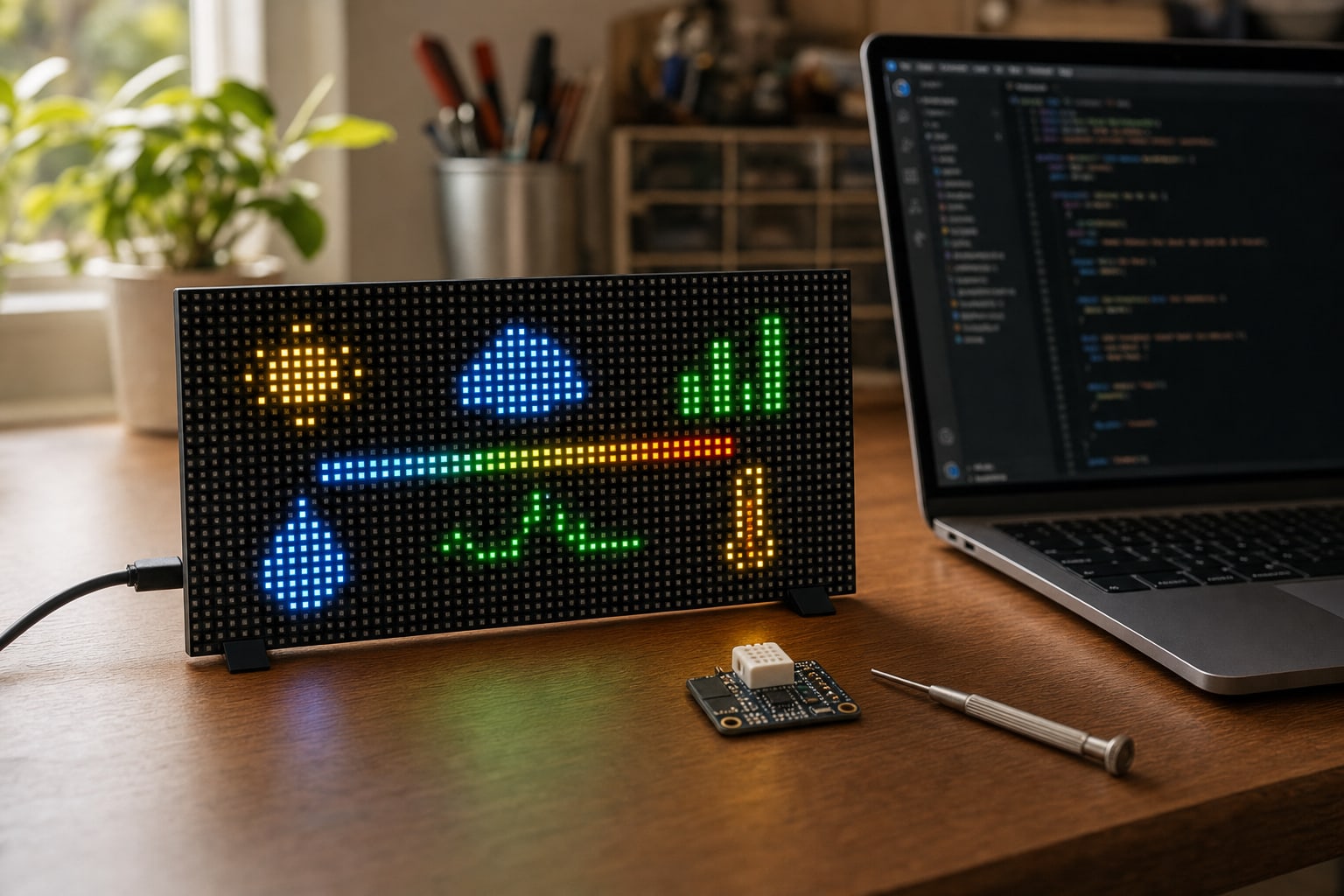
What goes into a DIY build
- An LED matrix panel. A 64 × 32 RGB panel at 3 mm pitch is the usual size: about 191 × 96 mm, readable from across a desk. Adafruit lists one at $44.95.
- A controller. An ESP32-S3 matrix board such as the Adafruit Matrix Portal S3 ($19.95) plugs into the panel and adds Wi-Fi. A Raspberry Pi with a matrix add-on board is the other common route and gives you more computing power.
- Power. A 5 V supply rated for several amps. Bright, mostly white frames draw the most current.
- Live flight data. Your own ADS-B receiver, or a flight-data API. See the two options below.
- A case and diffuser. A frame, a back panel and a smoked or diffusing front make bare LEDs look like a finished object.
Adafruit list prices for single units, checked October 25, 2026. The two core parts come to $64.90 before power, cables, a case and flight data.
Where the aircraft come from
Aircraft broadcast ADS-B on 1090 MHz. A USB software-defined radio, a 1090 MHz antenna and an always-on computer running an open-source decoder such as dump1090 or readsb will hear aircraft within line of sight of your antenna. It costs nothing to run and updates every second. Range depends on antenna height, though, and you see only what your antenna hears.
Online flight-data services cover the whole sky with no receiver. Free tiers are usually rate-limited or for personal use only, and paid tiers bill per request, so a display that polls every few seconds adds up. Read the terms before you build around one.
Where is that plane going?
ADS-B carries an aircraft’s identity, callsign, position, altitude, speed and heading, but not where it took off or where it will land. To show ORD → ANC you need a second lookup that turns the callsign into a route, and public route lists are often incomplete or out of date. That’s why some DIY builds show only a callsign and an altitude. Mach 2 and Mach 2 Lite get route and airline labels from a route engine built in-house.
The software is most of the work. Plan for Wi-Fi setup and recovery, an area and altitude filter, deduplicating aircraft, fonts and layout that fit 64 × 32 pixels, airline and aircraft-type names, brightness and a night schedule, and a way to update it without plugging in a laptop.
You don’t start from zero. Community projects on GitHub give you a head start, among them ColinWaddell/FlightTracker for a Raspberry Pi (GPL-3.0) and TheFlightWall’s own open-source code, AxisNimble/TheFlightWall_OSS (Apache-2.0). Check each license before you share or sell a build.
The hardware is the same class either way. The Mach 2 itself runs on an Adafruit Matrix Portal S3 and a 64 × 32 P3 panel. What a finished display adds is the firmware, the route engine, the case and the support.
Budget your time honestly. Getting aircraft onto the panel is a weekend project for many makers. Making it reliable, readable and good-looking on a shelf takes longer.
Build, kit or buy?
Three ways to get
a flight display on your desk
The Dev Kit sits between a parts bin and a finished display: assembled hardware with open firmware, for people who want to write their own apps.
| What you get | DIY from parts | FlightTrackerLED Dev Kit | Mach 2 Lite or Mach 2 |
|---|---|---|---|
| Price | About $65 in core parts, plus power, a case and data | $199 | $249.99 (matte black) or $399 (handmade maple) |
| Hardware | You source and assemble the panel, controller, power and case | Assembled and bench-tested 64 × 32 panel and ESP32-S3 in a wood enclosure | A finished display, assembled and tested before it ships |
| Software | You write or adapt it | Open firmware preloaded, with a browser Console, REST API, MQTT and Home Assistant | FlightTrackerLED firmware with free over-the-air updates |
| Flight data | Your own receiver, or an API you choose and pay for | Its open-source flights-overhead app shows aircraft heard by your own ADS-B receiver on your network. No hosted aircraft data or route engine | Live aircraft data with route and airline labels from a route engine built in-house |
| What it shows | Whatever you build | Your own apps, plus 1,000+ community Pixlet apps through a bridge you run yourself | Overhead Scanner, Individual Flight and Departure Board |
| Time to first result | Typically a weekend to get aircraft on screen | About five minutes to your first pixels; flights need your receiver | A few minutes from your phone |
| Returns | Depends on each parts seller | All sales final | 30-day return window |
Dev Kit details are on its product page and setup guide. Already run a receiver? Mach 2 can merge it into the Overhead Scanner with Local ADS-B.
When to build, and when to buy
- ›The build is the point, and you enjoy code and troubleshooting.
- ›You already run an ADS-B receiver at home.
- ›You want total control over layout, data and what else the panel shows.
- ›You’d like assembled hardware to start from: try the Dev Kit.
- ✓It’s a gift and has to work on the day it’s opened.
- ✓You want origin and destination labels without building a route lookup.
- ✓You want a finished object for a room, not a project on a bench.
- ✓You want support and a return window if something goes wrong.
DIY flight tracker FAQ
Connect a 64 × 32 RGB LED panel to a Wi-Fi controller such as an ESP32-S3 matrix board or a Raspberry Pi, feed it live aircraft data from your own ADS-B receiver or a flight-data API, and write software that filters the aircraft near you and draws them on the panel. A frame and diffuser make it look finished.
The two core parts, a 64 × 32 3 mm LED panel and an ESP32-S3 matrix controller, list for $64.90 together at Adafruit (checked October 25, 2026). A power supply, a case, and either API fees or a receiver setup come on top, plus your time.
Not from ADS-B alone. Aircraft broadcast their identity, position, altitude and speed, but not their origin or destination, so routes need a separate callsign lookup. Mach 2 and Mach 2 Lite get route labels from a route engine built in-house.
Yes. TheFlightWall has published open-source code for its display on GitHub under the Apache-2.0 license, and other community projects use a Raspberry Pi or an ESP32. If you want assembled hardware to start from, the FlightTrackerLED Dev Kit ships tested with open firmware.
Still weighing it up?
Compare what every option costs once shipping, subscriptions and returns are counted, or see how the Mach 2 Lite stacks up against the FlightWall Mini.