Mach 2 Drop In
A replacement ESP32-S3 controller and USB-C power setup for people who already own a legacy FlightTrackerLED box and want the newer Mach 2 electronics.
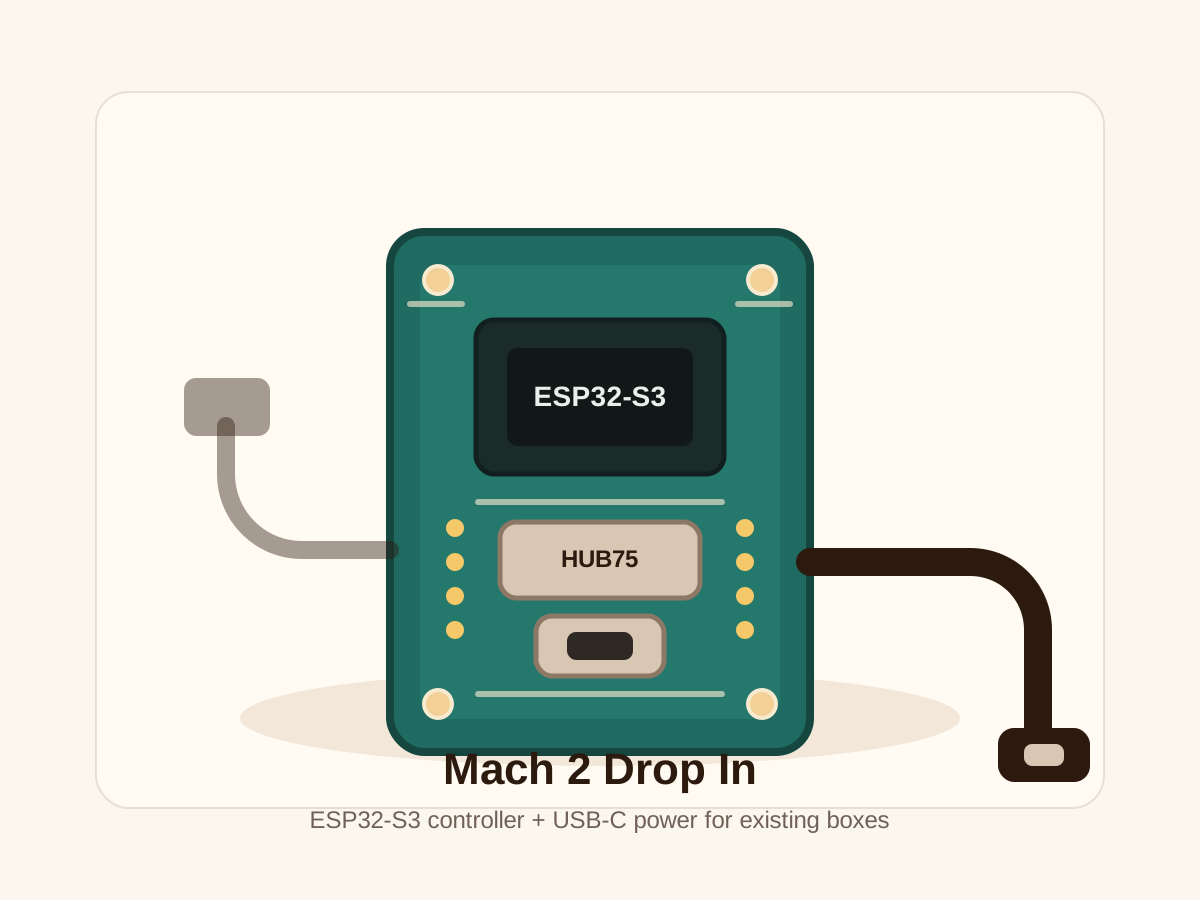
For owners of the legacy Raspberry Pi-based FlightTrackerLED box. Keep your existing LED matrix and enclosure, remove the Raspberry Pi wiring, connect the HUB75 ribbon and power leads to the new ESP32-S3 board, then power it up over USB-C.
- Mach 2 ESP32-S3 controller board, programmed and tested
- USB-C power setup for the new controller
- Mach 2 firmware with OTA updates and current scenes
- Access to Overhead Scanner, specific flight tracking, Departure Board, settings, and filters
- Direct install support if you want help swapping it in
Checking availability…
This kit is only for existing owners of the legacy FlightTrackerLED box. If you are unsure, message me first with your order number before purchasing.
Keep the box. Swap the brains.
The Drop In kit is meant to make the upgrade as simple as possible for legacy boxes. You are not rebuilding the enclosure or replacing the LED matrix. You are moving the existing HUB75 and power connections from the Raspberry Pi setup to the Mach 2 ESP32-S3 controller.
Unplug the legacy controller
Power down the box, then disconnect the current HUB75 ribbon and power wiring from the Raspberry Pi hardware.
Connect the Mach 2 board
Plug the existing HUB75 ribbon and display power leads into the new ESP32-S3 controller board.
Power with USB-C
Connect USB-C power, boot the board, and use the current setup flow to get it onto Wi-Fi.
Configure and update
Set your location, modes, filters, brightness, and FlightAware key, then keep getting Mach 2 OTA updates.