Hardware ready
The matrix, ESP32-S3, power path, cable, and mounting are assembled and bench-tested before shipping.
A ready-to-build 64×32 LED canvas with the difficult foundation already set up: ESP32-S3 hardware, open firmware preloaded, a browser Console served by the device itself, over-the-air updates, MQTT + Home Assistant, and a documented REST API. It also functions like a Tidbyt: the owner-run Pixlet bridge renders 1,000+ community apps from the Tidbyt ecosystem on a machine you own. The whole harness is included — bring your own cloud, or none at all. Your own device, end to end.
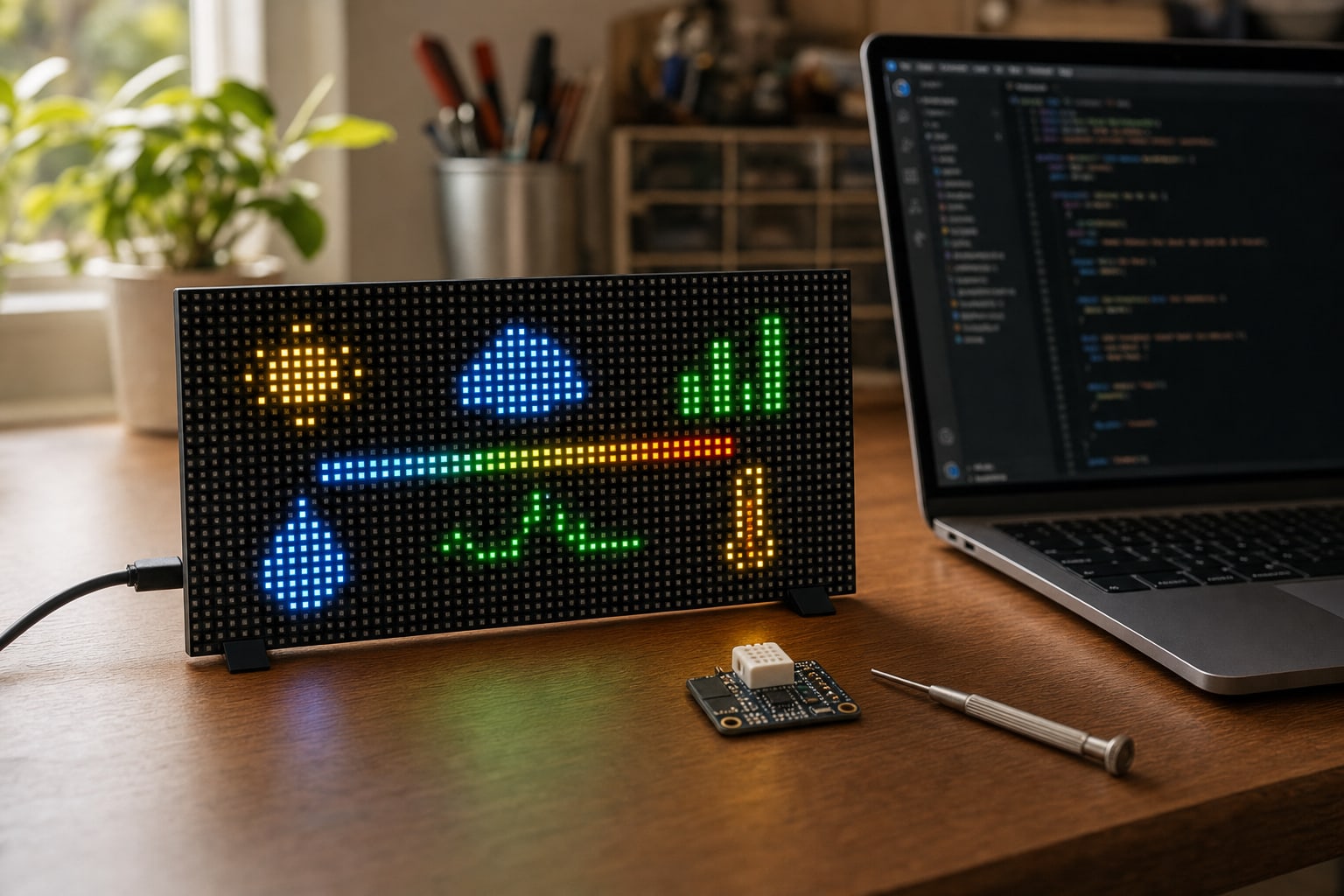
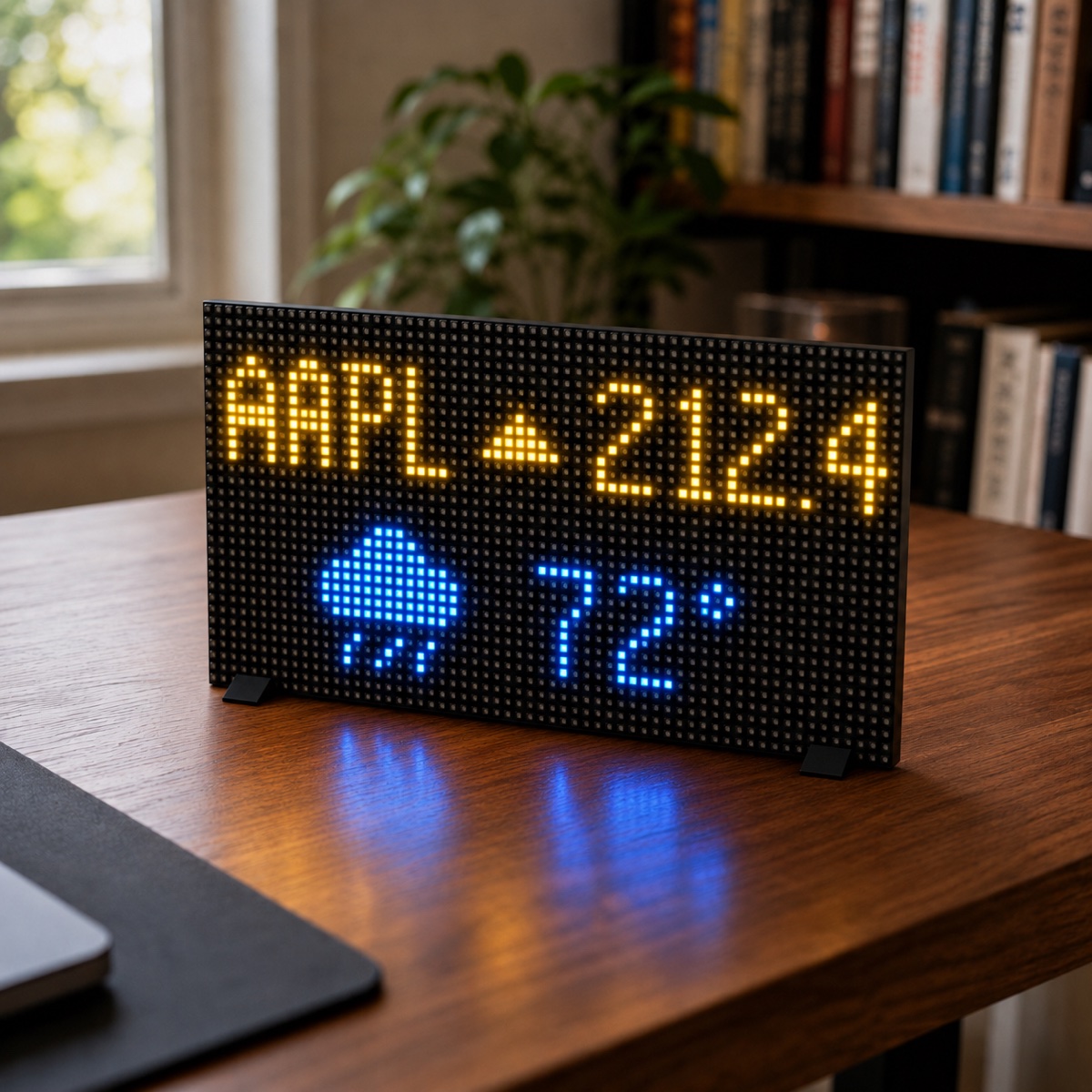
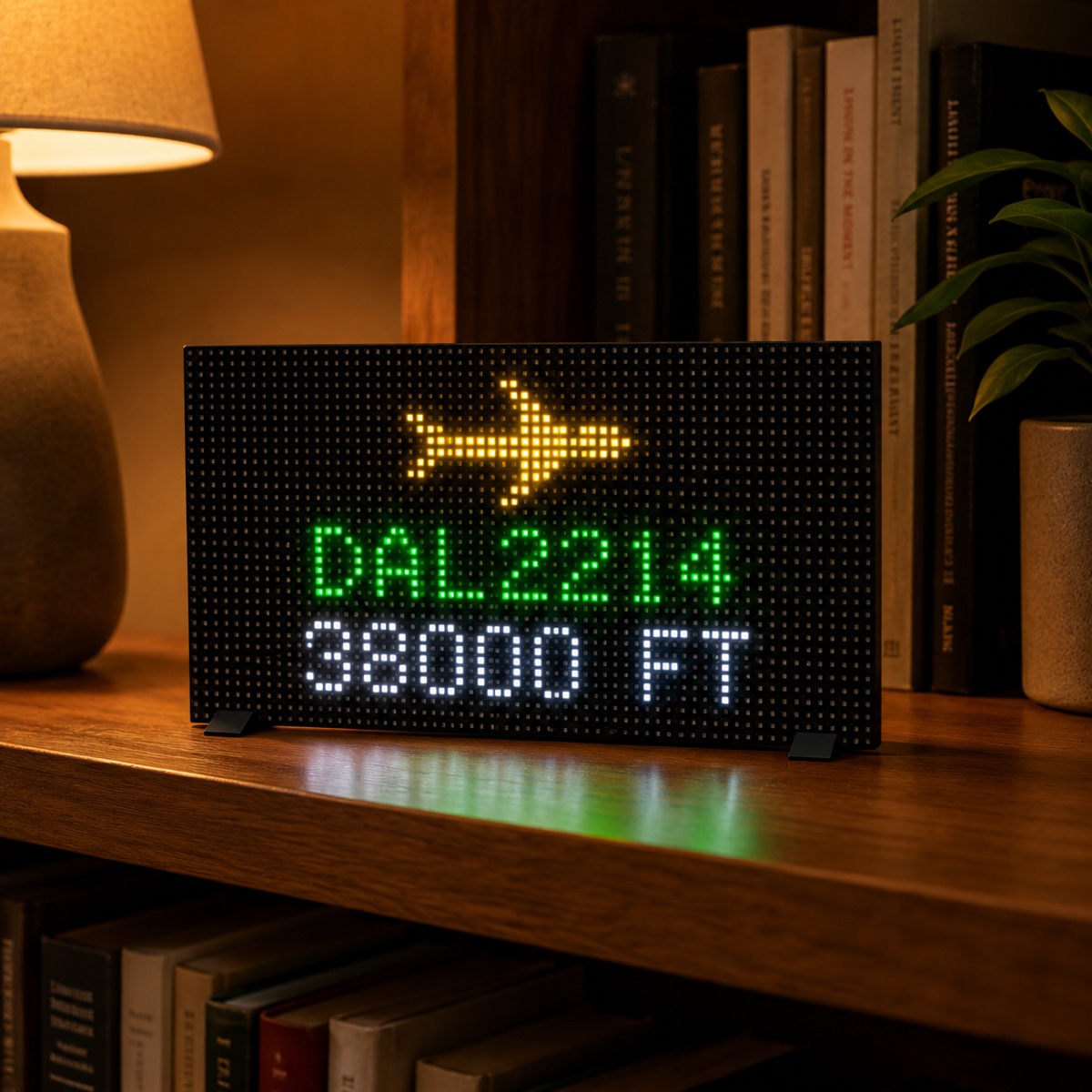
Power it on and start from a working foundation instead of loose parts and an empty repository. The kit arrives assembled, bench-tested, and already flashed. Follow the setup guide to your first app in five minutes, connect your data or automation, then fork, modify, and ship the part that makes the project yours.
Batches are small and built by hand. Tell me what you want to make and I will read your request and reply as soon as I can.
A typical LED-matrix project starts with board selection, wiring, power debugging, provisioning, transport, update infrastructure, and a blank application. This kit starts after those decisions.
The matrix, ESP32-S3, power path, cable, and mounting are assembled and bench-tested before shipping.
Core firmware, working reference apps, configuration examples, and the source layout are preloaded so you begin with running code.
The harness is included: MQTT, REST, provisioning, the web Console, and OTA updates. Point the box at any broker you can reach — your LAN, your VPS, your cloud — and it answers. Nothing requires my servers; a managed tier from me only if demand requires it.
The setup guide covers first boot to first app; the owner's manual covers data integration, OTA releases, MQTT, and recovery.
Power the assembled kit and put your first words on the panel before changing a line.
Join Wi-Fi from the panel's own hotspot, then open the Console the device serves at its local address.
Use MQTT, REST, Home Assistant, sensors, webhooks, or any API your project needs.
Build the firmware your way, upload it from the Console's Deploy page, and keep iterating without reopening the hardware.
Tidbyt announced a manufacturing pause in November 2024; compatible community apps remain useful for other pixel displays. This kit runs the same 64×32 pixel-app experience: the owner-run Pixlet bridge renders the Tronbyt-maintained community catalog — stocks, weather, transit, sports, clocks, and more — on your own always-on machine and pushes the frames to the panel over your LAN. Nothing renders on my servers — I operate no Pixlet service — so you control the rendering pipeline. Individual apps may still depend on outside APIs, credentials, or services.
1,000+ Pixlet apps from the Tidbyt ecosystem, kept alive by the Tronbyt community fork after Tidbyt joined Modal and stopped making hardware.
A local browser page that searches the catalog, fills an app's settings in a form, previews the exact 64×32 result, and builds your rotation; one installer command then runs it as a background service.
The bridge runs on a Pi, NAS, or Mac you keep on and pushes finished frames to the panel over your LAN. I render, proxy, and store nothing for it.
Pixlet renders on your machine, not on the panel itself. Apps are community-maintained, so quality varies and some need your own free API keys.
How it stacks up against the Pixoo 64, DIY builds, and the used-Tidbyt market is on the Tidbyt alternative page; the full bridge walkthrough is chapter 8 of the owner's manual.
Tidbyt is a trademark of its respective owner; Tronbyt is an independent community project. This kit is not affiliated with or endorsed by Tidbyt, Tronbyt, or Modal — the names describe compatibility and honest comparison only.
The hardware is assembled and bench-tested, and the open firmware is already flashed. The box walks you through Wi-Fi from its own setup hotspot, then serves its Console — status, apps, a paint canvas, OTA updates, MQTT settings, and a documented REST API — itself. The setup guide covers the first five minutes; the owner's manual covers everything after.
No. The Dev Kit does not include the Mach 2, its firmware, its live route engine, or any hosted aircraft data. It runs independent open-source firmware, and its flights-overhead app is the open-source version: it shows aircraft heard by your own ADS-B receiver on your own network. If you want the finished flight tracker, that is the Mach 2 — and all Dev Kit sales are final, with no returns or refunds.
You do not start from a blank project, but basic comfort with configuration and code is expected. You can run the built-in apps first, then change only the data, layout, or behavior your project needs.
Yes. The kit is designed for custom IoT work through MQTT and REST, including Home Assistant automations, sensor data, webhooks, dashboards, and your own services.
No — and that was the point of building it this way. The harness for a cloud is included: the device serves its own Console, updates upload from your browser, and MQTT reaches any broker you can — on your LAN, on a VPS, behind your VPN. You can run your own cloud today. If enough owners would rather I run one — control from anywhere, fleet view, alerts — I would offer a paid managed tier to cover exactly that. The box would never require it.
Yes — through the owner-hosted Pixlet bridge. It runs the Tronbyt-maintained open-source Pixlet engine and the community catalog of 1,000+ apps on a machine you keep on, and pushes the rendered 64x32 frames to the panel over your network. A local page, Easy Mode, handles searching the catalog, previewing apps, and building your rotation. Not affiliated with Tidbyt, Tronbyt, or Modal.
The Mach 2 Drop In kit is sold only to people who already own a legacy FlightTrackerLED box. Please verify your purchase before checking out.
Dev Kits are limited and built by hand. Send your name, email, and what you plan to do with the box. I will read your request and reply as soon as I can.